Where this fits
In the Azure Cloud Adoption Framework, Secure is the methodology that runs alongside every other phase — Strategy, Plan, Ready, Adopt (Migrate and Innovate), Govern and Manage — rather than being a one-time gate you pass through. It takes the security posture you began wiring up in Ready (landing zone identity, network, and encryption baselines) and the cross-cutting guardrails you defined in Govern, and turns them into a continuous, risk-driven program built on Zero Trust principles. Where Govern asks “are we within policy?”, Secure asks “are we resilient against a motivated adversary?” — and it answers using Microsoft’s reference architectures (MCRA), a measurable benchmark (MCSB), and a security methodology organised around protecting access, operations, assets, and innovation.
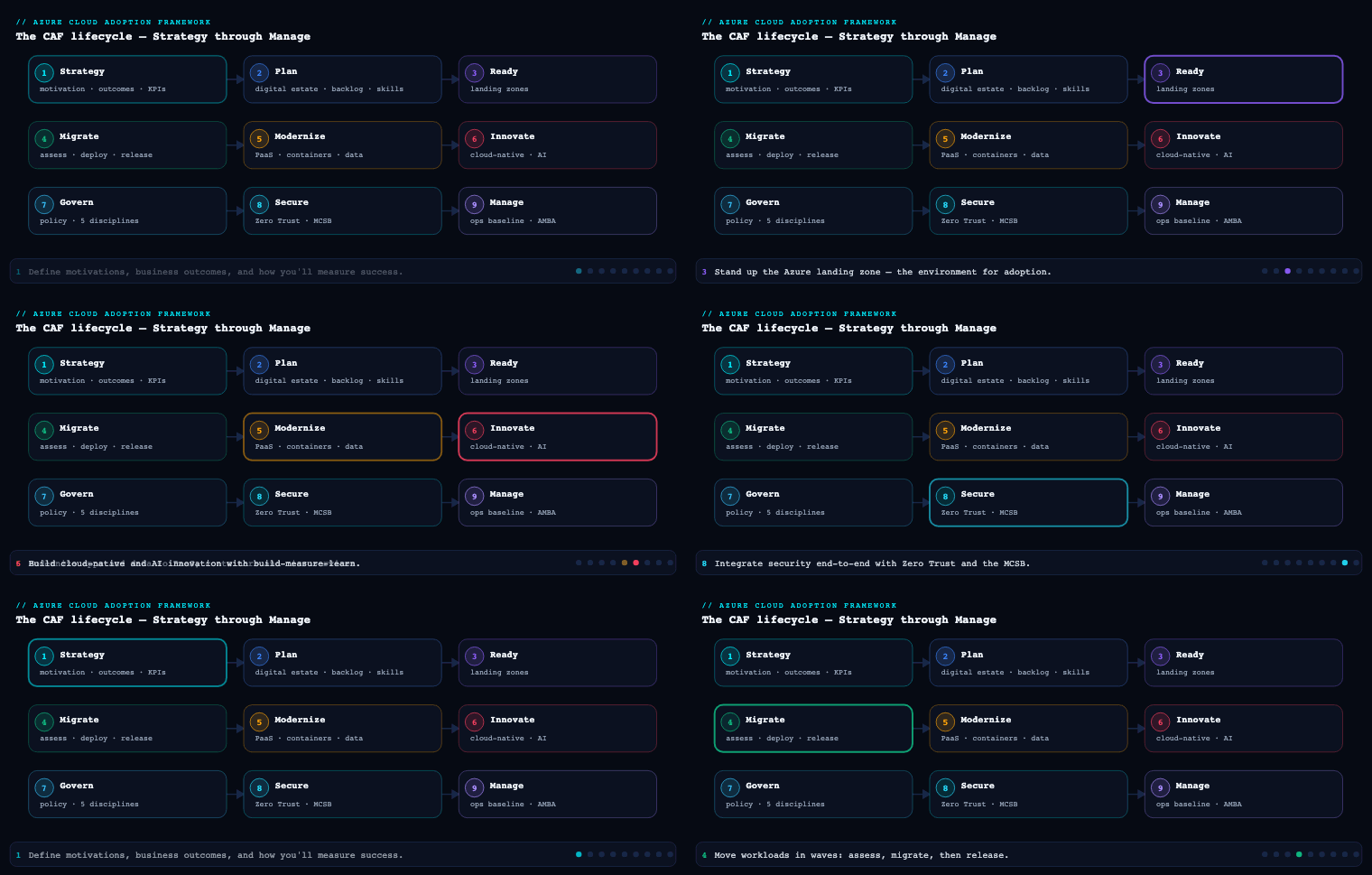
The security methodology
The CAF Secure methodology is a continuous improvement loop, not a linear project. Microsoft frames it around modernising your security posture across the lifecycle: you assess where you are, plan improvements, implement controls, and then operate and continuously improve them — feeding telemetry and incidents back into the next assessment cycle. It deliberately mirrors the rest of CAF so security planning rides on the same cadence as adoption.
What it is. The methodology decomposes the broad word “security” into concrete bodies of work that map to the people who own them: a security methodology (the loop itself), three cross-cutting outcomes (risk insights, security integration, business resilience), a guiding philosophy (Zero Trust), an architecture and benchmark (MCRA + MCSB), and four control domains you actually implement against (access, operations, assets, innovation).
Why it matters. Most enterprises fail security not because they lack tools but because security is bolted on after architecture decisions are frozen. Treating Secure as a methodology forces it left — into Strategy (define risk appetite), Plan (skilling, roles), and Ready (the landing zone baseline) — so that by the time you are in Adopt, the guardrails already exist.
How to do it well. Anchor every cycle in a measurable baseline. The methodology pairs naturally with the Azure Well-Architected Framework Security pillar for workload-level decisions and with Microsoft Defender for Cloud’s Secure Score for an org-level number you can trend over time. The disciplines below give you the spine.
| Discipline | Question it answers | Primary owner | Key Azure capability |
|---|---|---|---|
| Risk insights | What could hurt us, and how badly? | CISO / risk office | Defender for Cloud, Microsoft Security Exposure Management, Purview |
| Security integration | Is security embedded in every team’s workflow? | Security architects + platform team | Azure Policy, DevOps gates, Defender for DevOps |
| Business resilience | Can we keep running through an attack? | BC/DR + security ops | Backup, Site Recovery, immutable vaults, Sentinel |
| Access control | Is the right identity reaching the right resource? | Identity team | Entra ID, Conditional Access, PIM |
| Security operations (SecOps) | Can we detect, hunt, and respond fast? | SOC | Sentinel, Defender XDR, UEBA |
| Asset protection | Are data, hosts, and PaaS hardened? | Workload + platform owners | Defender plans, encryption, Key Vault, Private Link |
| Security innovation | Is new dev/DevOps secure by default? | App + DevSecOps teams | Defender for DevOps, GitHub Advanced Security |
Artifacts: a security strategy statement tied to risk appetite, a current-state Secure Score and exposure baseline, a prioritised remediation backlog, and a RACI mapping each discipline to a named team.
Risk insights, security integration, and business resilience
These three are the cross-cutting outcomes the methodology is trying to achieve. They are not implementation steps; they are the lenses you apply to every decision.
Risk insights
What it is. Translating business risk appetite into security priorities, and translating technical exposure back into business language. It is the bridge between the boardroom and the SOC.
Why it matters. Security budgets and Conditional Access friction are only defensible if tied to business risk. Without risk insights you either over-invest (locking down low-value workloads and slowing the business) or under-invest (leaving crown-jewel data exposed).
How to do it well. Build a risk register that ranks workloads by business impact, then overlay technical exposure. In Azure this means using Microsoft Defender for Cloud recommendations and Microsoft Security Exposure Management to see attack paths to high-value assets, classifying and tagging data with Microsoft Purview, and expressing the result as a small number of risk statements leadership actually reads. Map identified risks to the MCSB controls that mitigate them so remediation is concrete.
Artifacts: risk register, data classification scheme, crown-jewel asset inventory, attack-path map, risk-to-control mapping.
Security integration
What it is. Embedding security into the day-to-day workflow of every team — platform, app, data, operations — so it is not a separate silo that says “no” at the end.
Why it matters. Security that lives only in a central team scales linearly with headcount; security integrated into platform guardrails and pipelines scales with automation. This is where CAF Secure and CAF Govern overlap most: policy as code, deployed once, enforced everywhere.
How to do it well. Push controls into the substrate. Use Azure Policy and the landing zone to enforce baselines (no public IPs, encryption on, diagnostic logs to a central workspace), wire Defender for DevOps / GitHub Advanced Security into pipelines so secrets and IaC misconfigurations fail the build, and give each team its own slice of Secure Score so security becomes a shared KPI rather than someone else’s problem.
Artifacts: policy-as-code repo, pipeline security gates, per-team Secure Score dashboards, a shared-responsibility matrix.
Business resilience
What it is. Accepting that breaches will happen and designing so the business survives them — limiting blast radius, preserving recoverable data, and rehearsing recovery.
Why it matters. Ransomware reframed resilience from “DR for outages” to “recover from an adversary who is actively trying to destroy your backups.” Prevention is necessary but insufficient.
How to do it well. Assume breach. Implement immutable, soft-delete-protected Azure Backup vaults and the 3-2-1 principle, use Azure Site Recovery for tiered recovery, segment networks so lateral movement is bounded, and rehearse a ransomware recovery against your defined RTO/RPO. Tie detection (Microsoft Sentinel) to a documented incident-response plan.
Artifacts: BIA, RTO/RPO matrix, immutable backup policy, incident-response runbooks, a tested recovery report.
Zero Trust
What it is. Zero Trust is the guiding philosophy of CAF Secure, built on three principles: verify explicitly, use least-privilege access, and assume breach. It replaces the old “trusted internal network” model — where being inside the perimeter implied trust — with per-request authorization across six technical pillars: identities, endpoints/devices, applications, data, infrastructure, and network.
Why it matters. In a cloud and hybrid-work world there is no perimeter. Users, services, and devices connect from everywhere; the only durable trust boundary is a verified, policy-evaluated request. Zero Trust is also how regulators and cyber-insurers increasingly frame “reasonable” security.
How to do it well. Implement the principles pillar by pillar rather than buying a “Zero Trust product” (there isn’t one).
| Zero Trust pillar | “Verify explicitly” in practice | Azure / Microsoft capability |
|---|---|---|
| Identities | Phishing-resistant MFA, risk-based sign-in, no standing admin | Entra ID, Conditional Access, Identity Protection, PIM |
| Endpoints / devices | Only compliant, managed devices reach data | Intune, Defender for Endpoint, device compliance in CA |
| Applications | App-level authorization, shadow-IT discovery | Entra app proxy, Defender for Cloud Apps |
| Data | Classify, label, encrypt, restrict by sensitivity | Microsoft Purview Information Protection |
| Infrastructure | Harden, patch, JIT, detect drift | Defender for Cloud, Defender plans, Azure Bastion |
| Network | Micro-segment, encrypt, inspect | NSGs, Azure Firewall, Private Link, segmentation |
The three principles cut across all six pillars. Verify explicitly = always authenticate and authorize on identity, device health, location, and risk. Least privilege = just-in-time and just-enough-access (JIT/JEA) via PIM, scoped RBAC, and Conditional Access. Assume breach = segment to contain blast radius, encrypt end-to-end, and use analytics to drive detection.
Artifacts: a Zero Trust maturity assessment (per pillar: traditional → advanced → optimal), a pillar-by-pillar roadmap, a Conditional Access design, and a segmentation strategy.
MCRA and MCSB — the reference architecture and the benchmark
These two are the connective tissue of Secure: the MCRA tells you what good looks like; the MCSB tells you how to measure and enforce it.
Microsoft Cloud Reference Architectures (MCRA)
What it is. The MCRA (often delivered as the “Microsoft Cybersecurity Reference Architectures”) is a set of diagrams showing how Microsoft’s security capabilities — Entra, Defender XDR, Defender for Cloud, Sentinel, Purview, Intune — integrate with each other and with third-party tooling, mapped to Zero Trust and to control domains.
Why it matters. It prevents two failure modes: buying overlapping tools, and leaving gaps between them. As an architecture reference it shows the intended integration points (e.g., Defender for Cloud feeding Sentinel, Entra risk signals feeding Conditional Access) so you build a coherent platform, not a tool zoo.
How to use it well. Use the MCRA as the target-state blueprint in design reviews: lay your current tooling over it, mark coverage and integration gaps, and let those gaps populate the remediation backlog. It pairs with the Security Adoption Framework (SAF) guidance for the operating-model side.
Microsoft Cloud Security Benchmark (MCSB)
What it is. The MCSB is a prescriptive set of security controls — the successor to the Azure Security Benchmark — that maps each control to CIS, NIST SP 800-53, and PCI-DSS, and provides Azure (and multicloud AWS/GCP) implementation guidance. It is built directly into Microsoft Defender for Cloud as the default regulatory-compliance standard.
Why it matters. It converts the philosophy (Zero Trust) and the blueprint (MCRA) into measurable, auditable controls. Because it is the default in Defender for Cloud, your Secure Score is your MCSB posture — one number, continuously assessed, that satisfies multiple frameworks at once.
| MCSB control domain (representative) | Focus | Where it shows up in Azure |
|---|---|---|
| Network Security (NS) | Segmentation, private connectivity | NSG, Azure Firewall, Private Link |
| Identity Management (IM) | Centralized identity, MFA, managed identities | Entra ID, managed identities |
| Privileged Access (PA) | JIT, emergency access, admin workstations | PIM, Conditional Access |
| Data Protection (DP) | Classification, encryption at rest/in transit | Key Vault, Purview, TDE |
| Logging & Threat Detection (LT) | Centralized logs, threat detection | Defender plans, Sentinel, Log Analytics |
| Posture & Vulnerability Mgmt (PV) | Secure config, vuln scanning | Defender for Cloud, Azure Policy |
| Backup & Recovery (BR) | Regular, protected backups | Azure Backup, immutable vaults |
| DevOps Security (DS) | Secure pipelines, IaC scanning | Defender for DevOps, GitHub Advanced Security |
How to do it well. Enable the MCSB standard in Defender for Cloud across all subscriptions, set a target Secure Score and a per-domain target, assign control-domain owners, and treat any deviation as a tracked exception with an expiry. Add CIS/NIST/PCI standards on top only where a specific audit demands them — the MCSB already covers most.
Artifacts: MCRA gap analysis, enabled MCSB standard with target score, per-domain control owners, exception register.
Securing access, operations, assets and innovation
These four are the control domains — the concrete work the methodology produces. The MCSB controls and Zero Trust pillars are implemented here.
Securing access
What it is. Identity-centric access control: making identity the primary security perimeter for users, services, and devices.
How to do it well. Enforce phishing-resistant MFA for all users; eliminate standing privileged access with Privileged Identity Management (PIM) (eligible, time-bound, approval-gated, MFA-challenged); design Conditional Access as the policy engine combining user/sign-in risk, device compliance, and location; replace secrets with managed identities; and protect Tier-0 with emergency-access (break-glass) accounts excluded from CA and closely monitored. Use Microsoft Entra Privileged Access Workstations concepts for admin access.
Artifacts: Conditional Access policy set, PIM role configuration, break-glass procedure, managed-identity adoption plan.
Securing operations (SecOps)
What it is. The detect-investigate-respond capability — your SOC and the platform behind it.
How to do it well. Centralize signals: connect Microsoft Defender XDR (endpoint, identity, email, cloud apps) and Microsoft Defender for Cloud into Microsoft Sentinel as the SIEM/SOAR. Define detections, UEBA baselines, hunting queries, and automated SOAR playbooks for common responses. Establish the SOC operating model — triage tiers, escalation, and MTTD/MTTR targets — and run purple-team exercises to validate coverage against MITRE ATT&CK.
Artifacts: SOC runbooks, Sentinel analytics rules and playbooks, MTTD/MTTR KPIs, incident-response plan.
Securing assets
What it is. Protecting the resources themselves — compute, storage, databases, containers, and PaaS — across their lifecycle.
How to do it well. Turn on the relevant Microsoft Defender for Cloud plans (Servers, Storage, SQL, Containers, Key Vault, App Service). Enforce encryption at rest and in transit with customer-managed keys in Azure Key Vault where required; remove public exposure with Private Link / private endpoints; apply just-in-time VM access and Azure Bastion instead of public RDP/SSH; manage vulnerabilities and secure configuration continuously; and protect data with Purview classification and labeling.
Artifacts: Defender plan coverage matrix, encryption/key-management standard, private-networking design, vulnerability-management process.
Securing innovation (DevSecOps)
What it is. Securing the build and release of new applications so velocity does not create exposure.
How to do it well. Shift security left: scan IaC (Bicep/Terraform), code, dependencies, and container images in the pipeline using Microsoft Defender for DevOps and GitHub Advanced Security (secret scanning, code scanning, Dependabot); enforce signed artifacts and supply-chain integrity; gate deployments on security checks; and feed pipeline findings into the same Defender for Cloud posture so dev and runtime security share one view. Threat-model new workloads using the WAF Security pillar.
Artifacts: secure pipeline definitions, IaC/secret-scanning gates, threat models, a dependency/supply-chain policy.
Real-world enterprise scenario
Northwind Logistics & Cold-Chain is a fictional €3.1B European freight and cold-chain operator running ~340 Azure workloads across an Enterprise-Scale landing zone, after migrating from two on-prem datacentres. A near-miss ransomware event at a peer triggers the board to fund a Secure program. Their CISO runs CAF Secure across the methodology’s disciplines.
- Methodology & baseline: They enable Defender for Cloud across all 26 subscriptions and discover a Secure Score of 41%. They set a 12-month target of 75% and assign each MCSB domain to a named owner.
- Risk insights: Purview classifies data and flags two crown jewels — the cold-chain telemetry platform (spoilage liability) and customer PII/billing. Exposure Management reveals an attack path from an internet-facing jump host to the telemetry SQL database. This becomes risk #1.
- Security integration: Azure Policy in the landing zone now denies public IPs and unencrypted storage; GitHub Advanced Security is wired into every pipeline. Each of the 9 platform/app teams gets its own Secure Score tile.
- Business resilience: They move all backups to immutable, soft-delete vaults, adopt 3-2-1, define RTO 4h / RPO 1h for crown jewels, and run a ransomware recovery drill that initially fails (recovery took 9h) — fixed by pre-staging Site Recovery.
- Zero Trust: A maturity assessment scores them “traditional” on devices and network. They roll out phishing-resistant MFA, Intune device-compliance Conditional Access, and micro-segmentation with Azure Firewall between the telemetry and corporate VNets.
- MCRA / MCSB: Overlaying the MCRA exposes a gap — Defender signals were not flowing to Sentinel. They fix the integration. MCSB becomes the single compliance standard; PCI-DSS is added only for the billing subscription.
- Access: PIM removes 47 standing Owner assignments, replacing them with eligible, approval-gated, time-boxed roles. Two break-glass accounts are created and alerted on.
- Operations: Sentinel ingests Defender XDR + Defender for Cloud; SOAR playbooks auto-isolate compromised VMs. MTTD target set to <1h.
- Assets: Defender for Servers/SQL/Storage/Containers on; JIT VM access and Bastion replace public RDP; the telemetry SQL DB moves behind Private Link with CMK encryption.
- Innovation: Pipelines now fail on leaked secrets and high-severity IaC findings; container images are scanned pre-push.
Outcome (12 months): Secure Score 41% → 78%; standing privileged accounts 47 → 0; internet-exposed management ports eliminated; ransomware recovery validated within the 4h RTO; cyber-insurance premium reduced ~18% on evidence of MFA + immutable backups + PIM.
Deliverables & checklist
Common pitfalls
- Treating Secure as a one-time gate. Posture decays — new resources, drift, new CVEs. Run the methodology as a continuous loop and trend Secure Score monthly, not a single audit.
- Buying tools instead of integrating them. A “tool zoo” leaves gaps between products. Use the MCRA to validate that signals actually flow (e.g., Defender for Cloud → Sentinel; Entra risk → Conditional Access) before buying anything new.
- Standing privileged access “for convenience.” Permanent Owner/Global Admin assignments are the most common ransomware accelerant. Enforce JIT via PIM and break-glass accounts; aim for zero standing admin.
- Prevention-only resilience. Backups that an attacker can delete are not backups. Use immutable, soft-delete-protected vaults and rehearse recovery against your RTO/RPO — an untested plan is a hypothesis.
- Security bolted on after architecture is frozen. Retrofitting Private Link, segmentation, and CMK is expensive. Push baselines into the landing zone and pipelines so security is the default, not a later project.
- Compliance theatre. Mapping to NIST/PCI without enforcement creates paper compliance. Let the MCSB in Defender for Cloud measure posture continuously, and track every exception with an owner and expiry.
What’s next
Part 9 of “Azure Cloud Adoption Framework” turns from securing the estate to keeping it healthy and observable — the Manage methodology, covering operations baselines, monitoring, and business-commitment-driven operational management.