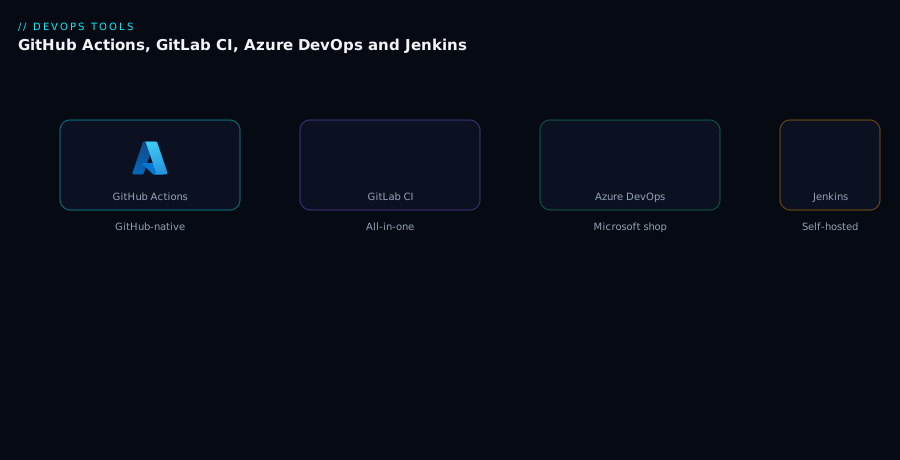
Quick take: The best CI/CD platform is usually the one closest to where your code lives. GitHub Actions for GitHub repos, GitLab CI for GitLab, Azure DevOps for Microsoft-centric teams, and Jenkins when you need full self-hosted control.
A team chose Jenkins because it was “industry standard.” They spent the first quarter maintaining agents, plugins and credentials instead of shipping features. When they moved to GitHub Actions, they reused community workflows and focused on product again. Jenkins was the right answer for another team that needed custom agents and air-gapped builds.
The problem it solves
CI/CD platforms automate build, test and deploy. The wrong platform creates maintenance burden, slows delivery and frustrates engineers.
Core concepts
| Platform | Strength | Best for |
|---|---|---|
| GitHub Actions | Tight GitHub integration, large marketplace | GitHub-hosted repos, open source, fast starts. |
| GitLab CI | Built-in CI/CD with issue tracking and registry | All-in-one DevOps platforms. |
| Azure DevOps | Microsoft ecosystem, Azure integration | Teams using Azure and Microsoft tooling. |
| Jenkins | Extensible, self-hosted | Complex, custom or air-gapped environments. |
Architecture
How it works
Choose based on where your code lives and who will maintain the platform. GitHub Actions workflows live in .github/workflows. GitLab CI uses .gitlab-ci.yml. Azure DevOps uses YAML pipelines in repos or classic pipelines. Jenkins uses a master-agent model with freestyle or pipeline jobs.
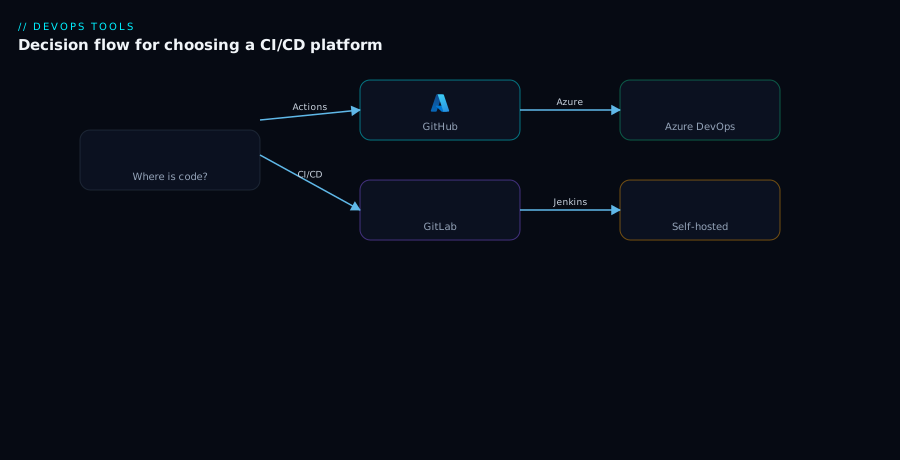
SaaS platforms reduce maintenance but may have limits on runners and network access. Self-hosted options give control but require operations.
Real-world scenario
The company used:
- GitHub Actions for public repositories and open-source projects.
- GitLab CI for a product team that wanted code, CI and container registry in one place.
- Azure DevOps for the .NET team already in the Microsoft ecosystem.
- Jenkins for a regulated environment requiring on-premises agents.
Each platform matched its team’s context.
Advantages
- GitHub Actions: huge ecosystem, easy GitHub integration.
- GitLab CI: unified platform, built-in security scanning.
- Azure DevOps: strong Azure and Windows support.
- Jenkins: unlimited customization and self-hosting.
Disadvantages
- GitHub Actions: costs can rise with large runner fleets.
- GitLab CI: can feel monolithic.
- Azure DevOps: less popular outside Microsoft stacks.
- Jenkins: high operational overhead and plugin sprawl.
When to use it (and when not)
Use the platform closest to your code and culture. Use Jenkins only when SaaS platforms cannot meet operational or compliance requirements.
Do not choose a platform based solely on popularity. Do not run a self-hosted Jenkins if GitHub Actions would suffice.
Best practices
- Keep pipeline definitions in source control.
- Reuse workflows and templates across repositories.
- Use self-hosted runners only when needed.
- Scan pipeline dependencies and secrets.
- Monitor build duration and queue times.
The platform should accelerate delivery, not become the product you maintain.